> ## Documentation Index
> Fetch the complete documentation index at: https://docs.pricemedic.com/llms.txt
> Use this file to discover all available pages before exploring further.
# Payers
> Manage active and inactive payers for your provider profile
## Overview
Payer configuration determines which insurance companies and health plans will be included in your reimbursement analysis and benchmarking data. Most desirable payers are already loaded at baseline for your convenience.
**Activating Payers**: To enable additional payers for your profile, please contact us. We'll help you activate the payers most relevant to your practice.
## Active Payers
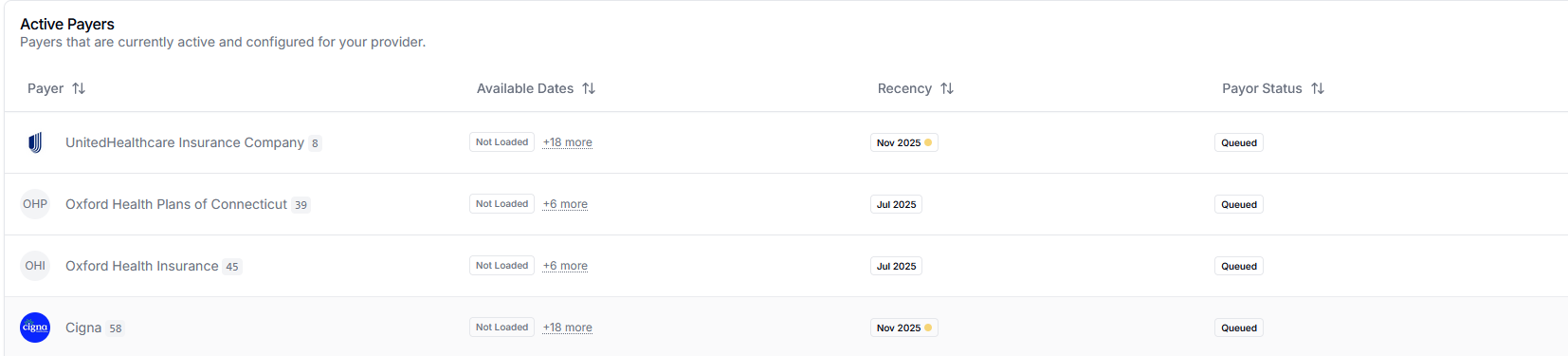 Active payers are currently configured for your provider and will be included in your reimbursement insights. Each payer displays:
* Payer name and identifier
* Available data dates
* Most recent data recency
* Payor status
## Inactive Payers
Active payers are currently configured for your provider and will be included in your reimbursement insights. Each payer displays:
* Payer name and identifier
* Available data dates
* Most recent data recency
* Payor status
## Inactive Payers
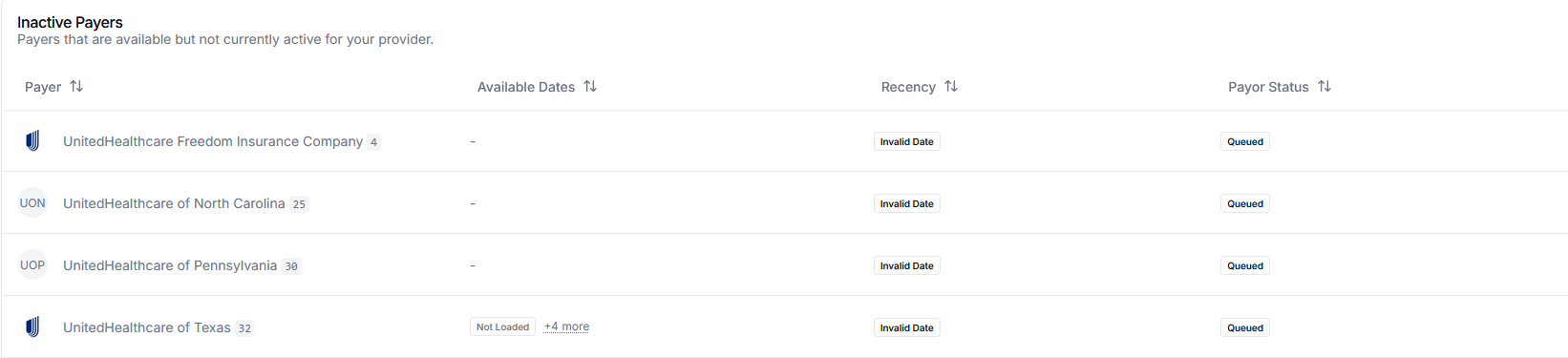 Inactive payers are available in our system but not currently active for your provider profile. To activate or deactivate payers, please contact us and we'll configure the appropriate payers for your practice.